Last updated: October 30, 2026. Written by the DigitalRYT team in Mississauga.
The Google Map Pack in Mississauga is the box of three local businesses that appears above the regular results when someone searches for a service nearby. For clinics, trades, restaurants and shops, a place in that box often brings more calls than any other spot on the page. This guide explains what decides who appears, and the practical steps that help a Mississauga business move into the top three.
What Decides Who Shows in the Google Map Pack?
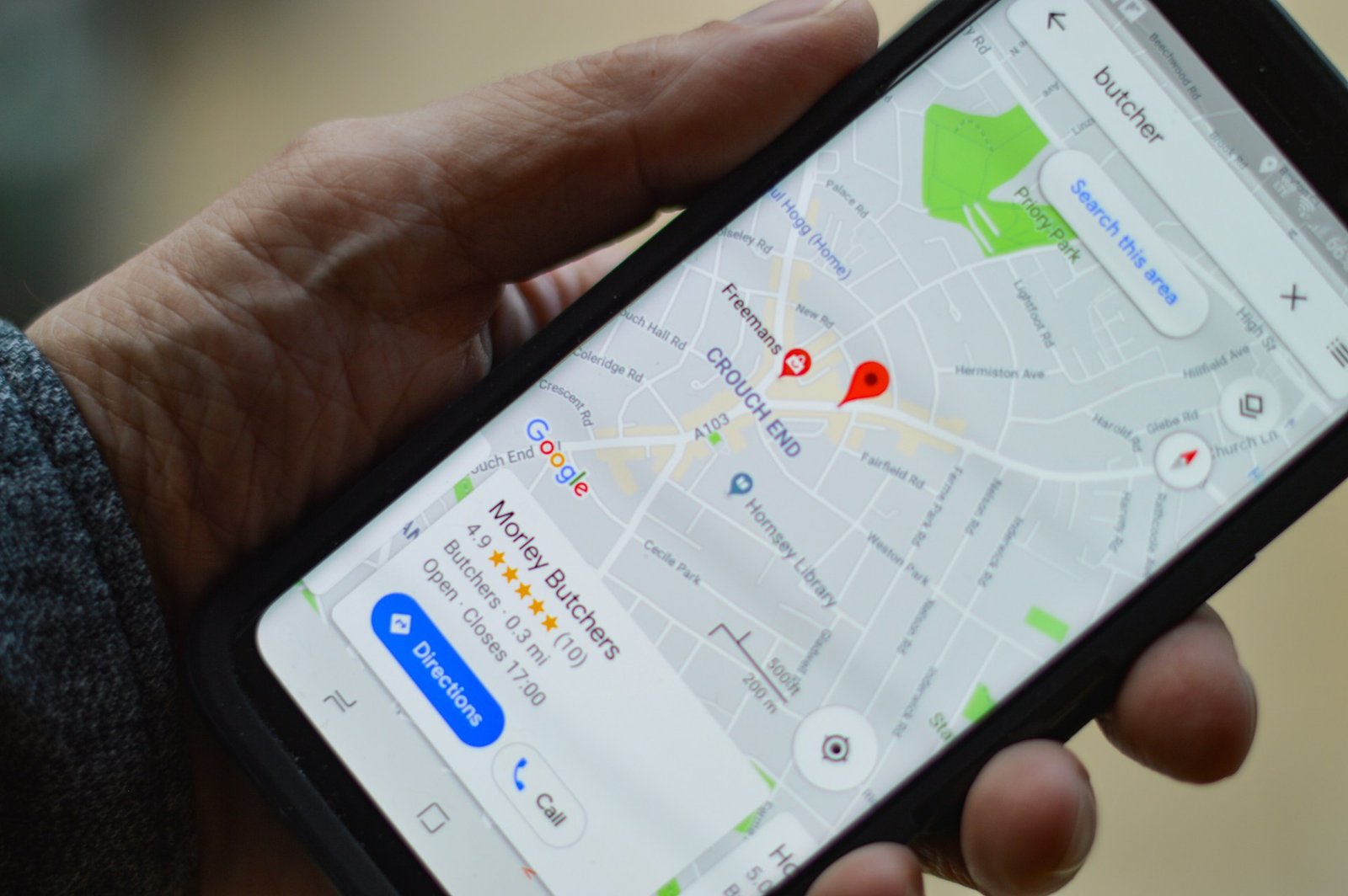
Google decides who appears in the Map Pack mainly on three factors: relevance, distance and prominence. Relevance is how well your profile matches the search. Distance is how close you are to the searcher or the area named in the search. Prominence is how well known and trusted your business looks, based on reviews, links, mentions and your website.
How the Google Map Pack Works in Mississauga
Mississauga is a large city with many busy areas, so distance matters a lot. A person searching for a dentist in Port Credit sees different results from a person searching the same words near Square One or in Meadowvale. You cannot move your business, but you can make your profile the most relevant and the most trusted option within your area.
| Factor | What it means | What you can control |
|---|---|---|
| Relevance | How well your profile matches the search | Categories, services, description and website content |
| Distance | How close you are to the searcher | Accurate address or service areas, neighbourhood pages |
| Prominence | How trusted and well known you are | Reviews, local links, mentions and a strong website |
How to Rank in the Google Map Pack: 9 Steps
1. Finish every part of your Google Business Profile
Complete profiles are more likely to show in local results. Add your exact business name, address, phone number, hours, holiday hours, services, attributes and a clear description. Our Google Business Profile checklist covers all 20 points.
2. Choose the most specific primary category
Your primary category is one of the strongest relevance signals. Choose the most specific option, such as Emergency dental service rather than Dentist if that is your main work. Add a small number of secondary categories only where they truly fit.
3. Keep your name, address and phone identical everywhere
Use exactly the same details on your website, Google Business Profile, Facebook page and local directories. Matching details help Google trust that every listing belongs to the same business.
4. Build a steady flow of reviews
Reviews are a major prominence signal and a big factor in whether people click. Ask every happy customer, make the review link easy to find, and reply to every review politely. Never pay or offer discounts for reviews, because Google does not allow it.
5. Create a strong location page on your website
Your Google profile should link to a page about that exact location. Include the address, a map, opening hours, parking details, the services offered there and the neighbourhoods you serve, such as Cooksville, Erin Mills or Streetsville.
6. Add photos and posts regularly
Upload real photos of your entrance, team, work and products every month, and publish posts about news, offers or events. An active profile shows people, and Google, that the business is open and cared for.
7. Earn local mentions and links
Links and mentions from local websites add prominence. Sponsor a community event, join a business association, work with nearby businesses and get listed in respected local directories. A few relevant local links are worth more than many random ones.
8. Make your website fast and mobile friendly
Most Map Pack searches happen on a phone. A slow or confusing website loses the visitor after Google has sent them. Keep pages quick, put the phone number and booking button at the top, and use clear headings that match the services people search for.
9. Track calls and direction requests
Check your profile performance every month: calls, direction requests, website clicks and searches. Tag your website link with UTM parameters so Google Analytics shows visits from your profile. This shows which changes are working.
A Before and After Example
Here is a typical pattern we see with local service businesses. Before: a profile with a broad category, no services listed, a handful of old reviews with no replies, and a website link pointing to the homepage. After: a specific primary category, every service listed with a short description, new reviews arriving each week with replies, and the profile linked to a location page with booking. Businesses that make these changes usually see more profile views and calls over the following months. Results depend on competition and location, so nobody can promise a fixed position.
Google Map Pack Mistakes That Hold Businesses Back
- Keyword stuffing the business name. Google does not allow extra keywords in the name, and it can lead to suspension.
- Using a virtual office or P.O. box. These addresses are not accepted for a profile.
- Duplicate profiles. Two profiles for one location confuse Google and split your reviews.
- Ignoring negative reviews. A calm, helpful reply can win trust from future customers.
- Linking to the homepage only. A matching location page gives Google and visitors better information.
- Expecting overnight results. Local rankings change gradually as Google sees your improvements.
How Long Does It Take to Rank in the Map Pack?
There is no fixed timeline. A business with a strong website and many reviews may move within weeks of fixing its profile. A new business in a competitive category, such as dentists or lawyers near Square One, usually needs several months of steady work. Review your numbers monthly and judge the trend rather than a single week.
Get Help Ranking in the Map Pack
Map Pack work is the core of our local SEO service in Mississauga. If you want to see where your profile stands, read what local SEO marketing is or book a free 15 minute clarity call and we will review your profile and competitors with you.
Frequently Asked Questions
What is the Google Map Pack?
The Google Map Pack is the group of three local business listings shown with a map near the top of Google search results for local searches, such as plumber near me or dentist Mississauga.
Can I pay to appear in the Map Pack?
You cannot pay for an organic Map Pack position. You can run Google Ads with location assets, which may show ads in Maps, but the regular three listings are earned through your profile and reputation.
Do reviews help Map Pack rankings?
Yes. Google says more reviews and positive ratings can help local ranking. Reviews also help people decide whether to call you, so ask every customer and reply to every review.
Why does my business show in one area but not another?
Distance is one of the main ranking factors, so results change with the searcher’s location. Your business is more likely to appear for searches close to your address or service areas.
Does my website affect Map Pack rankings?
Yes. A relevant, trusted website supports your profile’s prominence and relevance. A clear location page with your services and address helps both Google and visitors.