Last updated: November 4, 2026. Written by the DigitalRYT team in Mississauga.
Good dental website design in Mississauga is not about the fanciest animation. It is about helping a nearby patient find the right treatment, trust the clinic and book in a few taps. This guide lists 12 features every dental website needs, explains why each one matters, and shows how to check your own site before you spend on a redesign.
What Features Should a Dental Website Have?
A dental website should have online booking, tap-to-call, a page for each treatment, clear insurance and payment information, real team and clinic photos, patient reviews, location details for each office, fast mobile pages, a short FAQ on each treatment page, accessibility basics, privacy-safe forms and tracking for calls and bookings. Together these features turn visits into appointments.
Dental Website Design in Mississauga: 12 Must-Have Features
1. Online booking
Many patients prefer to book outside office hours. A booking button at the top of every page, linked to your practice software, lets them choose a time without waiting for a call back.
2. Tap-to-call on every page
Some patients still want to talk to someone, especially for emergencies. Show the phone number in the header and make it a tap-to-call link on mobile.
3. A page for each treatment
Create separate pages for checkups and cleaning, emergency dental care, Invisalign, implants, crowns, whitening, children’s dentistry and any other service. Patients search for the treatment, so each one needs a page that answers their questions.
4. Clear insurance and payment information
Explain which insurance plans you work with, whether you offer direct billing, and how payment works. Mention government dental programs you accept if they apply to your clinic. Clear information removes a common reason patients hesitate.
5. Real photos of the team and clinic
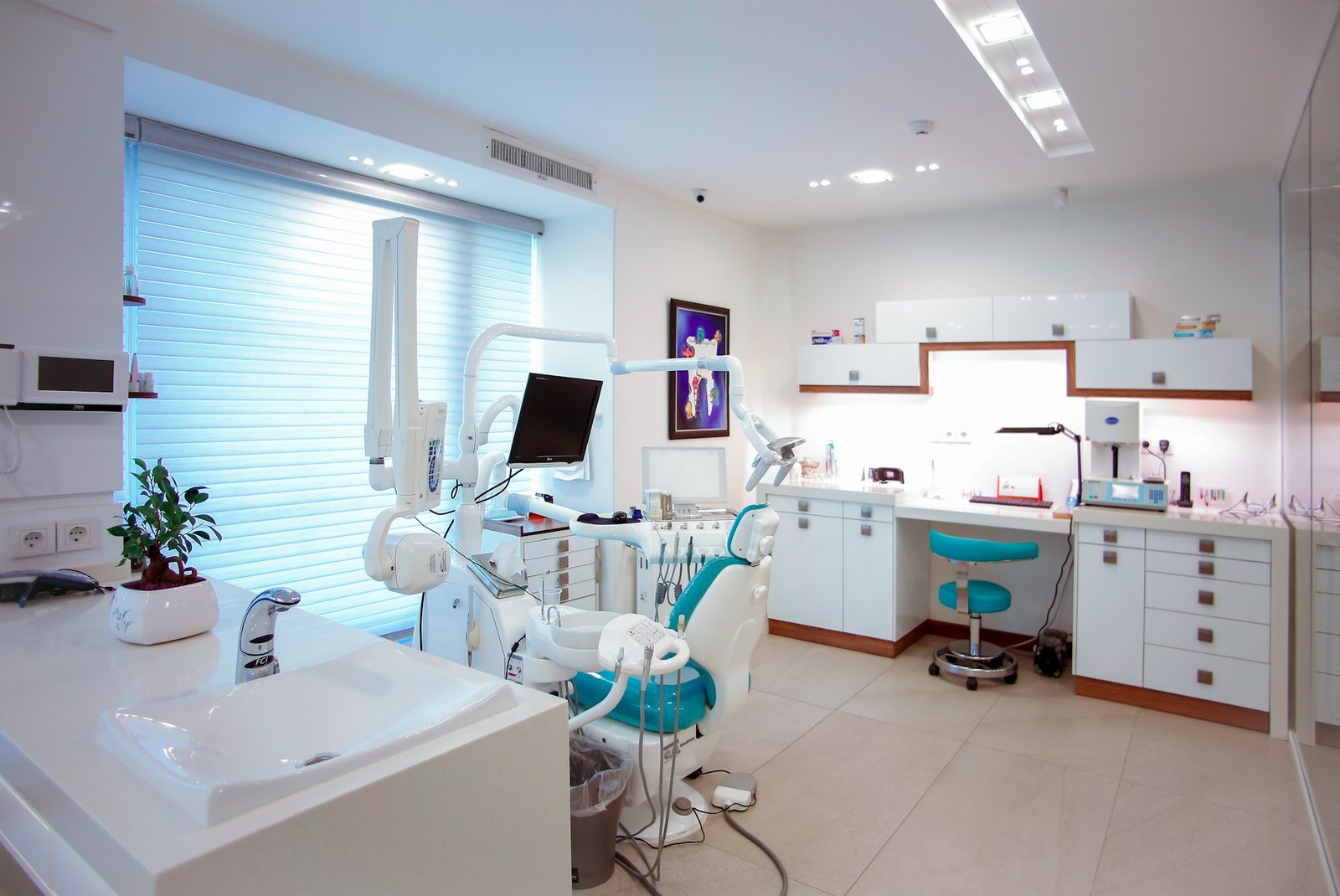
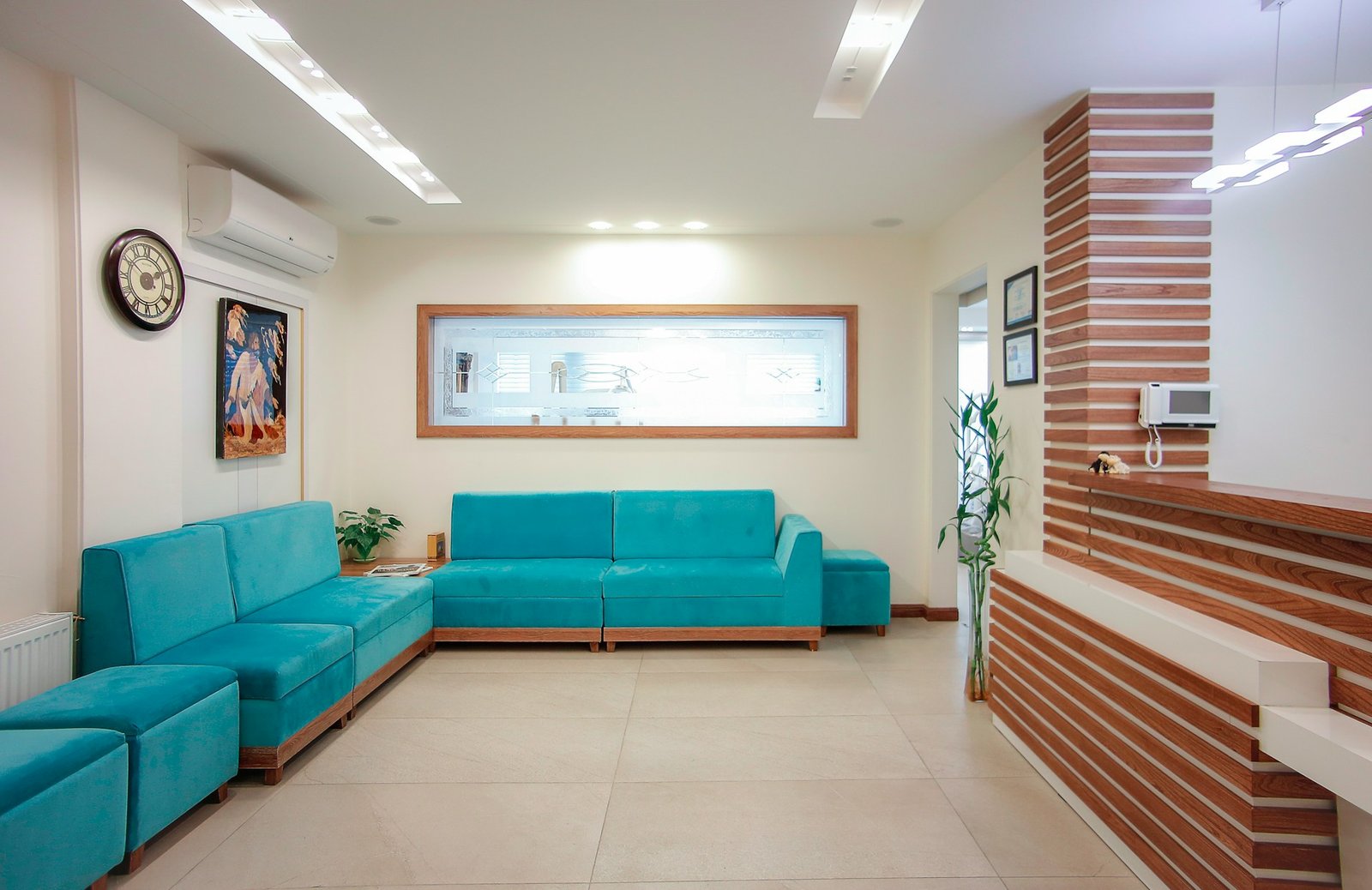
Show the reception, treatment rooms, the building entrance and the team. Real photos help a nervous patient feel familiar with the clinic before the first visit.
6. Dentist profiles
Add a short profile for each dentist and hygienist with their qualifications, languages spoken and areas of focus. Keep the wording factual and avoid claims of superiority, which the Royal College of Dental Surgeons of Ontario discourages.
7. Patient reviews
Show your Google rating and recent reviews, or link to your Google Business Profile. Make sure any review content you display follows your college’s advertising standards.
8. Location details for each office
Give each location its own page with the address, map, hours, parking, transit and the neighbourhoods it serves, such as Square One, Streetsville, Erin Mills, Port Credit or Meadowvale. This also supports your local SEO for dentists in Mississauga.
9. Fast mobile pages
Most patients visit on a phone. Compress images, limit heavy scripts and test your pages on a mid-range phone. A slow page loses the patient before they see the booking button.
10. A short FAQ on each treatment page
Answer what patients ask before booking: does it hurt, how long does it take, how much does it cost and is it covered. Put the direct answer first. Clear answers help patients and make your pages easier for Google and AI search tools to quote.
11. Accessibility and privacy-safe forms
Use readable fonts, good colour contrast, alt text on images and forms that work with a keyboard. Ontario’s accessibility law sets web accessibility requirements for many organizations, so check what applies to your clinic. Keep contact forms short and do not ask for detailed health information through a basic web form.
12. Tracking for calls and bookings
Set up call tracking, form tracking and Google Analytics key events so you can see which pages and channels bring appointments. Track the action, never personal health information.
Sample Dental Homepage Layout
| Section | What it shows |
|---|---|
| Header | Logo, phone number, Book Online button |
| Hero | One line on who you serve and where, plus booking and call buttons |
| Treatments | Cards linking to each treatment page |
| Why patients choose the clinic | Factual points such as evening hours, direct billing and languages spoken |
| Team | Photos and short dentist profiles |
| Reviews | Google rating and recent reviews |
| Location | Map, hours, parking and transit |
| FAQ | Common questions with short answers |
How to Check Your Own Dental Website in 15 Minutes
- Open your site on a phone and time how long the homepage takes to appear.
- Try to book an appointment without calling. Count the taps.
- Search Google for your main treatment plus Mississauga and see whether a treatment page appears.
- Check that your hours, phone and address match your Google Business Profile.
- Submit your contact form and confirm the message arrives.
If any step is slow or confusing, that is the first thing to fix. Our website redesign checklist explains how to fix issues without losing rankings.
Common Dental Website Mistakes
- No online booking. Patients who cannot book after hours often choose another clinic.
- One general Services page. Treatment pages rank and convert far better.
- Stock photos only. Patients want to see your real clinic and team.
- Hidden phone number. Emergency patients need it at the top of the page.
- Superlative claims. Words such as best or number one can conflict with college standards.
- No tracking. Without it, you cannot tell which pages bring appointments.
Get a Dental Website That Books Appointments
DigitalRYT designs and improves dental websites for clinics in Mississauga and Peel Region, with booking, speed and local SEO built in. See our website development service, read our guide to dental marketing in Mississauga, or book a free 15 minute clarity call for a review of your current site.
Related: Need leads while your new site ranks? See Google Ads vs SEO for small businesses.
Frequently Asked Questions
How much does a dental website cost in Mississauga?
The cost depends on the number of pages, booking integration, content and design work. Our guide to website development cost in Mississauga explains the main price factors.
Does a dental website need online booking?
Online booking is strongly recommended. Many patients look for a dentist in the evening or on weekends, and booking online lets them commit while they are ready.
How many pages should a dental website have?
At minimum, a homepage, one page per treatment, a team page, a page per location, an insurance and payment page and a contact page. Most clinics end up with 15 to 30 pages.
Can I show patient reviews on my dental website?
You can usually show your Google rating and reviews, but check the Royal College of Dental Surgeons of Ontario’s current advertising standards before you publish patient testimonials.
How do I make my dental website show up on Google?
Build a page for each treatment and location, keep your Google Business Profile complete, make pages fast on mobile and earn reviews. Local SEO work ties these together.